
Accountancy practices
Three AI specialists prepare the work. You approve it.
Mondas AI employees prepare the routine work for a bookkeeping and VAT practice: entries from invoices and receipts, a VAT return working paper, and a status report with a draft request for missing papers. Tested code does the arithmetic, the specialists check each other, and you approve everything.
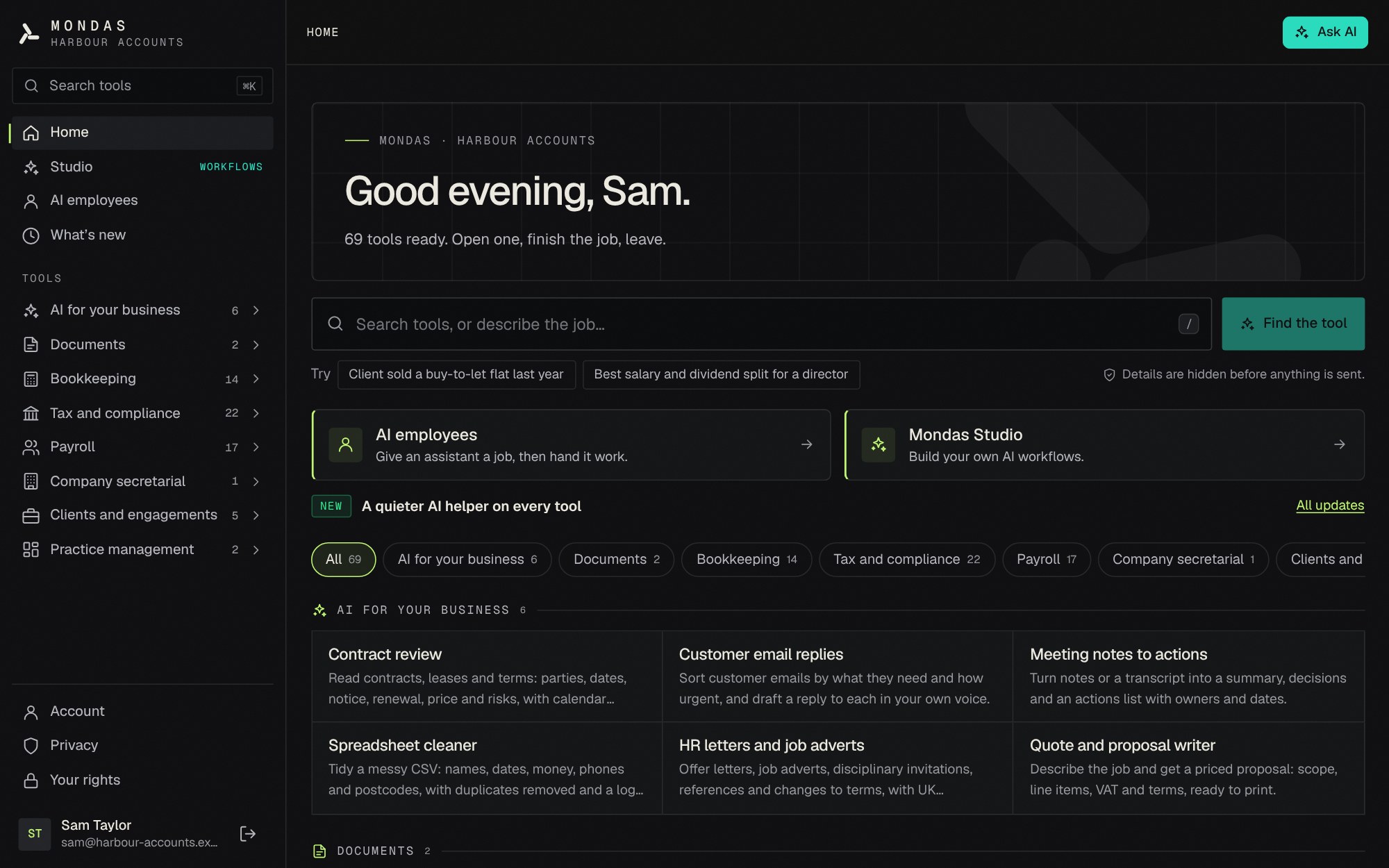 In-app screenshot
What accountancy practices in Mondas Studio does
- Bookkeeping, tax and VAT, and practice administration: three specialists, each with one job
- Tested UK calculations do the arithmetic; the AI only reads documents
- Every question the specialists cannot settle comes to you, with the answer and its source
- Nothing is posted to accounting software, filed with HMRC or sent to a client without you
- Personal details are hidden on your device before anything goes to Claude, and you approve each request
- Built for a firm: practice accounts with owner, admin and member roles, and a separate AI workspace for each client
- A read-only Xero connection is coming. It is not live yet, so today you import the files Mondas prepares
- From £20 per user a month billed yearly, or £24 monthly, with no VAT added; the Practice plan for firms of three or more is priced per seat, so ask us
Three specialists, one job each.
Mondas AI employees are set up as a small team. Each prepares one stage of the work and leaves a record you can check.
- Bookkeeping specialist
- Reads invoices, receipts and credit notes and records what each one says. Tested code, not the AI, checks that net plus VAT equals gross, that the VAT rate is 20%, 5% or 0%, that the VAT number has a valid format, that details are not missing, that a document is not a duplicate, and flags anything over £1,000. It writes an entries file in Xero-style columns marked Ready or Check, an exceptions report, and a record of processed documents so nothing is processed twice. It never posts to accounting software.
- Tax and VAT specialist
- Prepares a VAT return working paper with the nine boxes, built from the bookkeeping entries with the same tested code as the VAT tool. It holds back entries that should not be in the return yet, such as flagged entries, VAT with no supplier VAT number and unusual rates. It lists questions for you, such as client entertainment or car purchases, with GOV.UK sources, and gives the due date. It never files with HMRC, and it is not tax advice.
- Practice administrator
- Registers the papers each client has sent and compares them with the checklist for the job: limited company year end, Self Assessment, VAT quarter, payroll month or new client onboarding. It works out statutory deadlines with tested code and writes a status report and a draft request for missing papers. It never sends anything.
They check each other's work, and you see all of it.
- Sourced rules
- The tax and VAT specialist looks up rules from a register in which every rule has a GOV.UK source and an effective date, rather than answering from memory.
- Handoffs
- When the bookkeeping specialist is unsure, for example about the VAT on an entry, it passes the question to the tax and VAT specialist. That specialist answers with the source and an outcome: confirm, change, or needs a person.
- You see every question and answer
- The team page shows each handoff and its answer, and you approve the result before it is relied on.
- Needs checking, never done
- A task that leaves entries to check or documents unprocessed ends as Needs checking, never Done.
- Time saved, with the working shown
- The team overview counts finished tasks, those needing checking and those in progress, with an estimate of time saved whose per-step assumptions are visible. It is an estimate, not a guarantee.
Built for several people and many clients.
Practice accounts are opening to pilot practices first, so ask us if you would like to be among them. Until then each person subscribes to Studio on their own account.
- One practice, several people
- A practice account has an owner, admins and members, with a seat for each person, so the firm is set up once rather than person by person.
- Clients with their own access
- Add your clients and assign people to them. You choose whether members see every client or only the clients they are assigned to; owners and admins see all.
- A workspace for each client
- Each client has its own AI employee workspace, so one client's papers and work are kept apart from another's.
- Look around on fictional clients first
- Practice registration is by invitation, and the walk-through starts on obviously fictional demo clients, such as Bright Bakes Ltd, so nobody's real papers are needed to see how it works.
- Xero connection: coming
- A read-only connection to Xero is being built so the specialists can read a client's ledger. It is not live yet and it will not post anything. Today you import the Xero-style files Mondas writes.
- A fair allowance for AI
- AI employees come with a fair-use allowance of AI work, so that one very busy account cannot use the lot. It is fair use, not unlimited.
Prepared by Mondas. Approved by you.
- Nothing is posted
- Mondas writes files for you to import. It does not post to Xero, Sage or any other accounting software.
- Nothing is filed
- Mondas never files anything with HMRC. You review and file.
- Nothing is sent
- Requests for missing papers are drafts. Mondas does not send them to your clients.
- Nothing is deleted or overwritten
- Employees archive rather than delete, and cannot overwrite your own files. They work only in the folder you choose.
What stays on your device, and what does not.
Employees run in your browser, with files kept on that device, or on your own computer with the free Mondas Agent desktop app.
- Hidden before it leaves
- Names, email addresses, phone numbers, addresses, National Insurance numbers, UTRs and bank details are hidden on your device before any text goes to Claude. You approve each request.
- Claude processes outside the UK
- When an employee thinks with Claude, the text it needs for a task goes through Mondas to Anthropic, which processes it outside the UK. Mondas does not store or log those requests. Mondas itself runs in London.
- Held back, and honest limits
- Files that look like they hold special category information are held back from Claude. Hiding personal details works by recognising patterns and cannot catch everything, so check what goes out.
- Or send nothing
- Mondas Agent can instead use a model that runs only on your computer, which sends nothing anywhere.
One price, with no VAT added.
- £24 per user a month
- Or £20 a month billed yearly (£240 a year). Mondas Ltd is not VAT registered, so no VAT is charged.
- Everything included
- Every tool, the AI and AI employees, with fair use. Nothing is metered per document.
- Practice plan, for firms of three or more
- Priced per seat, with one firm account for the practice. We do not publish a price yet: ask us and we will give you one.
- See it before you subscribe
- Book a 20-minute demo on made-up clients, or apply for the 30-day pilot if you run a UK practice of 1 to 15 people. A free 24-hour trial of the tools and the AI is also available on request; AI employees open when you subscribe.
Three steps.
- Step 1
Give the team the papers
Point an employee at a folder of client invoices, receipts and credit notes.
- Step 2
Check what it prepared
Read the entries, the exceptions, the VAT working paper and the questions with their sources.
- Step 3
Approve, import and file
Import the entries into your accounting software and file from there. Mondas does neither for you.
Questions
Why pay for Mondas when we already have Microsoft 365, Claude and Xero?
Mondas does not replace them. Xero stays your ledger, and Microsoft 365 and Claude stay useful for writing and thinking. What Mondas adds is narrower: tested UK calculations, so the arithmetic is done by tested code rather than by an AI; specialists that check each other's work against rules that carry GOV.UK sources and dates; nothing posted, filed or sent without you; and personal details hidden on your device before anything goes to Claude, with your approval of each request. Be clear about the limit, too: Mondas works with Xero through import files today, not a live connection, so you import what it prepares. If you only want a general assistant, Claude on its own may be enough.
Does it connect to Xero?
Not live. The bookkeeping specialist writes an entries file in Xero-style columns, and you import it. A read-only Xero connection is coming, so the specialists can read a client's ledger, but it is not live yet and it will not post anything. There is no live connection to Xero, Sage, QuickBooks, Microsoft 365 or Google today.
Can it file a VAT return?
No. It prepares a working paper with the nine boxes, the questions to settle and the due date. You review it and file the return yourself.
Where does client data go?
Files stay on your device. With Claude, only the text needed for a task is sent, with personal details hidden on your device first, and it is processed by Anthropic outside the UK. Mondas does not store or log it. A model that runs only on your computer sends nothing.
Can we rely on it without checking?
No. It prepares and you approve. Anything it is unsure of is marked Check, and a task with items to check ends as Needs checking. Hiding personal details cannot catch everything, and AI can make mistakes.
Is this tax advice?
No. The tax and VAT specialist prepares working papers and points to GOV.UK sources. The judgement stays with you.
Can the whole practice use it?
Today each person has their own account, priced per user. Practice accounts, with owner, admin and member roles, seats, clients and a workspace for each client, are built but not open to everyone yet: practices in the pilot programme come first. If you are a firm of three or more, ask us about the Practice plan, which is priced per seat.
How much does it cost?
£24 per user a month, or £20 a month billed yearly (£240). No VAT is added. Every tool, the AI and AI employees are included, with fair use.
More of what Mondas Studio does
- AI document renamingRename a pile of documents in minutes, not hours.
- AI contract reviewKnow what is in your contracts before it costs you.
- Invoice checkingCatch duplicate invoices and VAT mistakes before they are paid.
- AI employeesAn AI team that works on your files.
- Small businessBookkeeping and VAT preparation without the spreadsheet pain.
- UK tax and payroll calculatorsEvery UK tax and payroll calculator, in one place.