
AI employees
An AI team that works on your files.
Give an AI employee a job and its own way of working, such as filing clerk or bookkeeping assistant. Hand it tasks in Studio or from the Mondas Agent dashboard: sort and rename papers, pull invoices into a spreadsheet, clean a client list, draft letters. It plans the work, asks you when it must, and finishes with a summary of what it made.
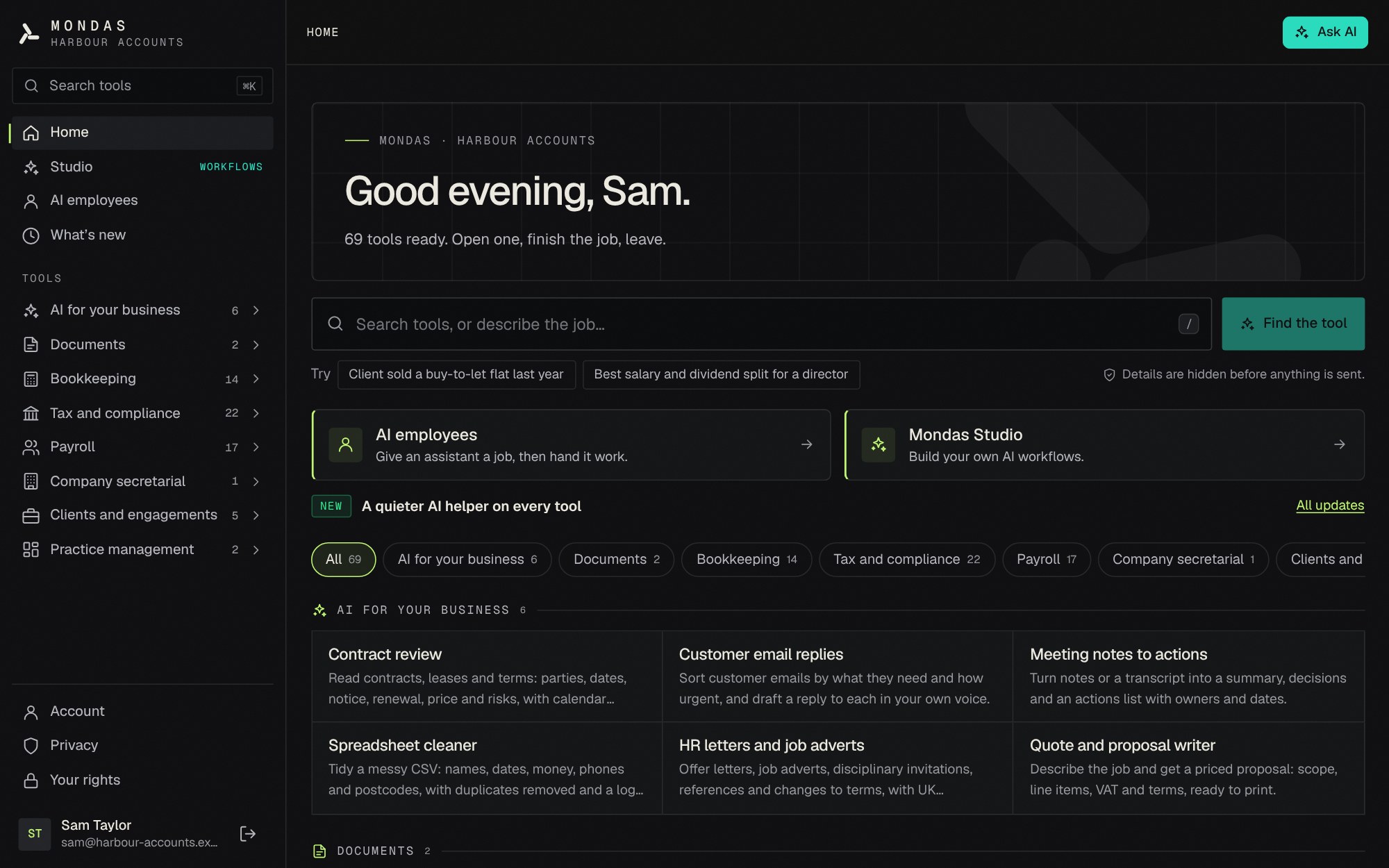 In-app screenshot
What ai employees in Mondas Studio does
- Start from roles such as filing clerk, bookkeeping assistant, data cleaner or admin assistant
- It reads files, renames and files them, writes summaries, spreadsheets and letters
- You start each task, and check what is sent to AI with personal details hidden
- It never deletes your files or overwrites the ones you gave it
- On your computer with Mondas Agent: a dashboard for the team, no email account needed, and it starts with the computer
- Routines: regular jobs at set times, such as filing the inbox each evening or a month-end check
Three steps.
- Step 1
Create an employee
Pick a role and tell it how you like things done.
- Step 2
Put it on your computer
Download Mondas Agent for Mac or Windows and choose the folder it works in.
- Step 3
Give it work
Set a task in the dashboard. It works through it and finishes with a summary. You can optionally connect email so listed owners can send work in.
Questions
Can it make changes I did not ask for?
It only works on the task you give it, in its own workspace. It cannot delete anything or overwrite your files.
Do I need an email account for it?
No. You can give work from the dashboard. If you connect an email account, only the people you list can email it work. Emails that cannot be confirmed as really from them wait for you to check, and it only ever replies to the people you list.
Do my files leave the computer?
Files stay on the computer. With Claude, only the text it reads for a task is sent, with personal details hidden on the computer first. You can instead run an AI model only on the computer, so nothing is sent at all.
More of what Mondas Studio does
- AI document renamingRename a pile of documents in minutes, not hours.
- AI contract reviewKnow what is in your contracts before it costs you.
- Invoice checkingCatch duplicate invoices and VAT mistakes before they are paid.
- Accountancy practicesThree AI specialists prepare the work. You approve it.
- Small businessBookkeeping and VAT preparation without the spreadsheet pain.
- UK tax and payroll calculatorsEvery UK tax and payroll calculator, in one place.